
How to Pair as an Observer with Your Student
Aspire for Students
Please note: Students also have the option to reset their password in person at school.
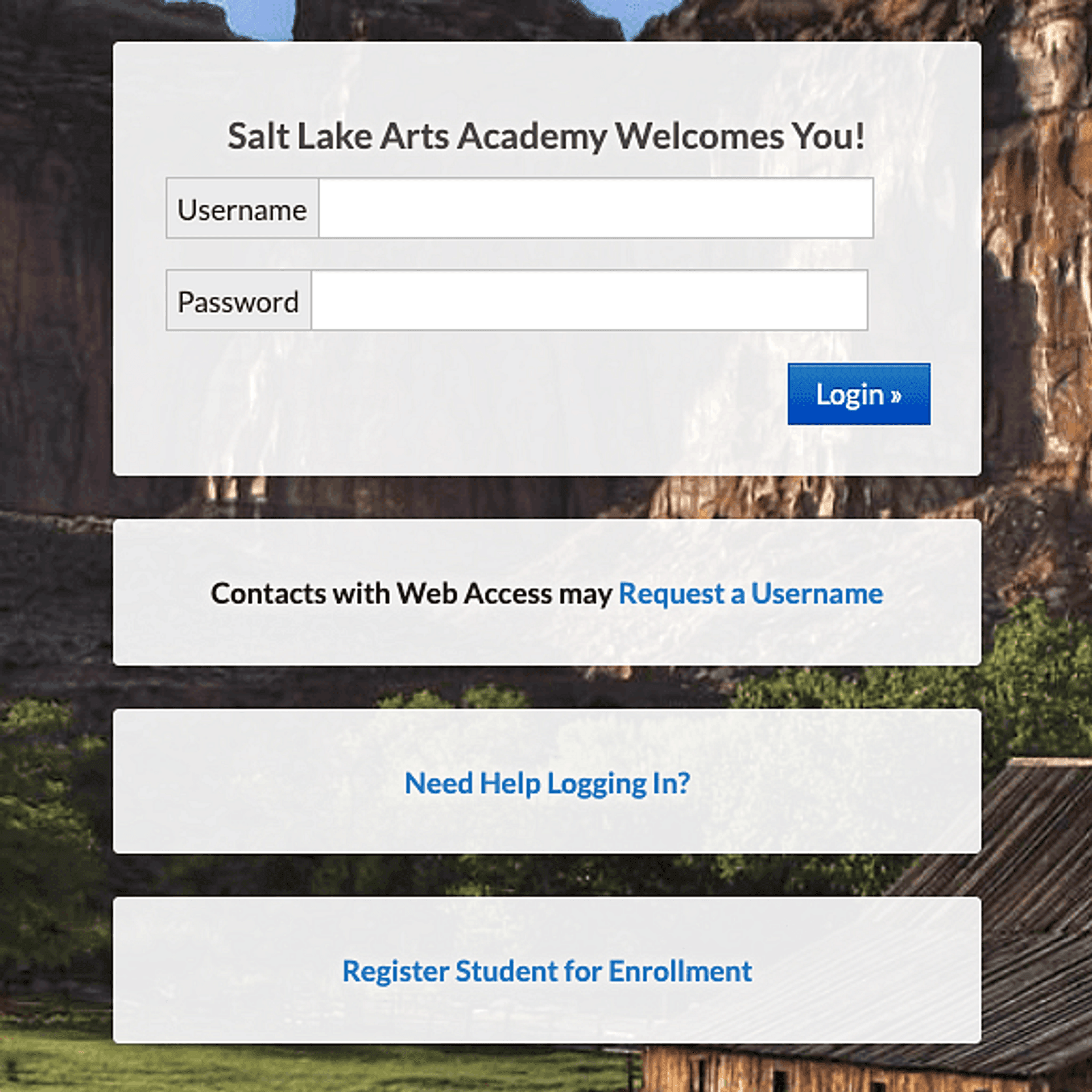
1. Go to: https://saltlakearts.usoe-dcs.org/Login.aspx
2. Choose "Need Help Logging In?"
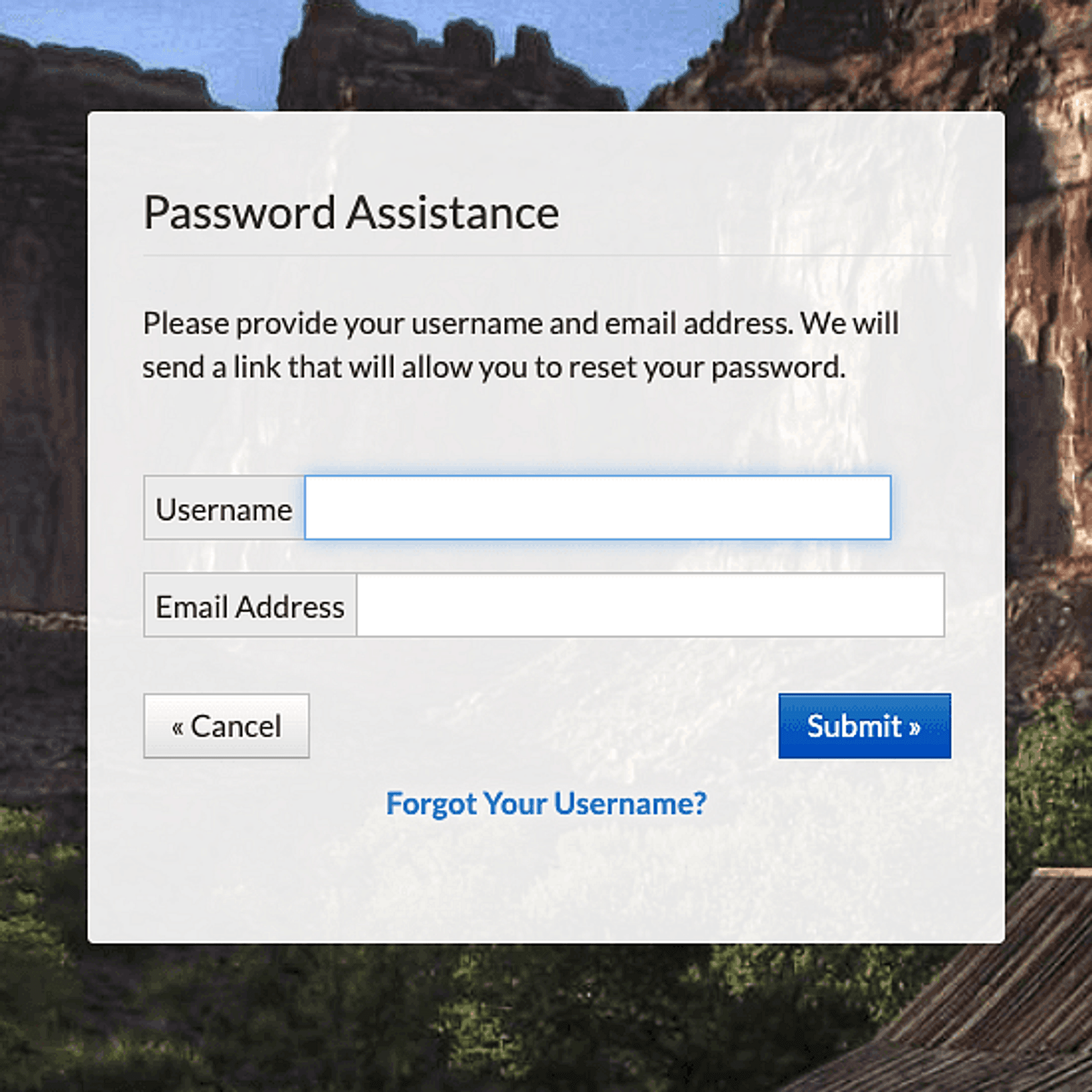
3. Your username is your four-digit student ID number. (If you have forgotten yours, please see the front office for help (801) 531-1173.)
» Your email address is your student email address.
» Then choose "Submit".
4. You will receive an email from Aspire that starts with "Aspire Password Assistance" and provides you with a temporary password.
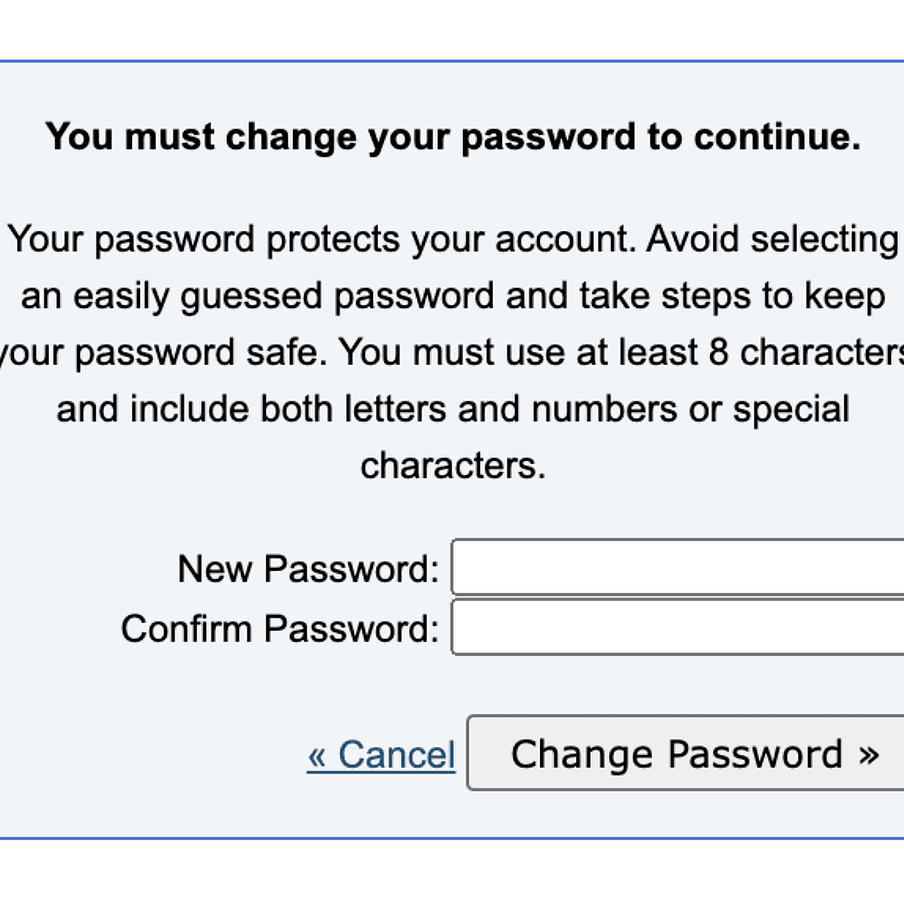
5. Go back to https://saltlakearts.usoe-dcs.org/Login.aspx and paste the temporary password where it asks for the password. You should see this prompt to set up your password, "You must change your password to continue":
Once you have filled in your new password, you should be all set to sign in as a student using your student number and new password.