
New Way to Receive Report Cards
We're trying something a little different with report cards this term. Rather than sending home printed copies, report cards will be available directly through Aspire. You can log in to view your student's report card and download or print a copy if you'd like. If you run into any issues or need us to print you a copy of the report card, please reach out to Dan Rose, Dean of Students - danr@slarts.org
How to See Your Report Card
in Aspire
Sign in to Aspire
(If you need directions how to sign into Aspire, Go Here).
1. Underneath your initial at the top right of the sign-in is the Reports Dashboard. Click on the button.

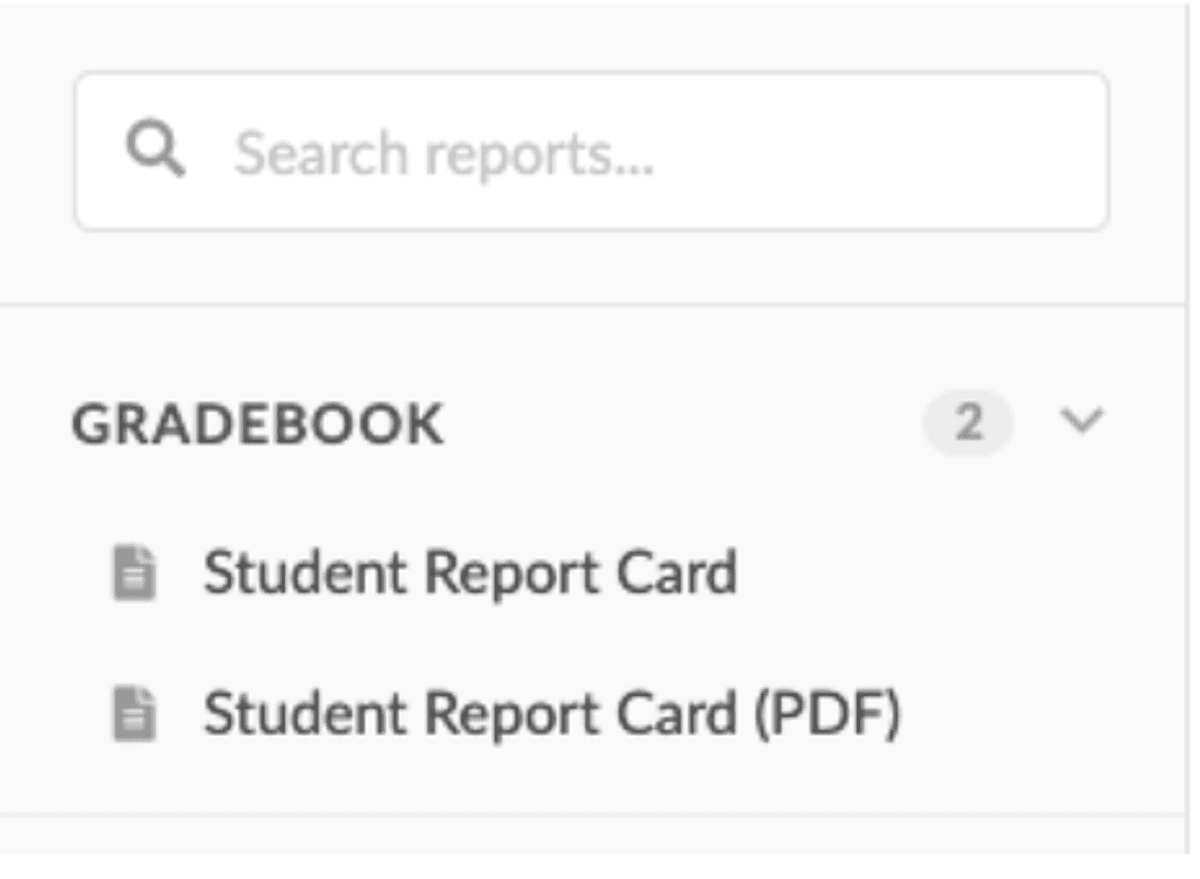
2. You will see two options on the right side. One to view the report card on your screen and one to create a pdf.
Select the one you want.
3. Next, it will have some options. We do not use GPA, so unselect that option and then click Load Report Card
or Generate PDF.
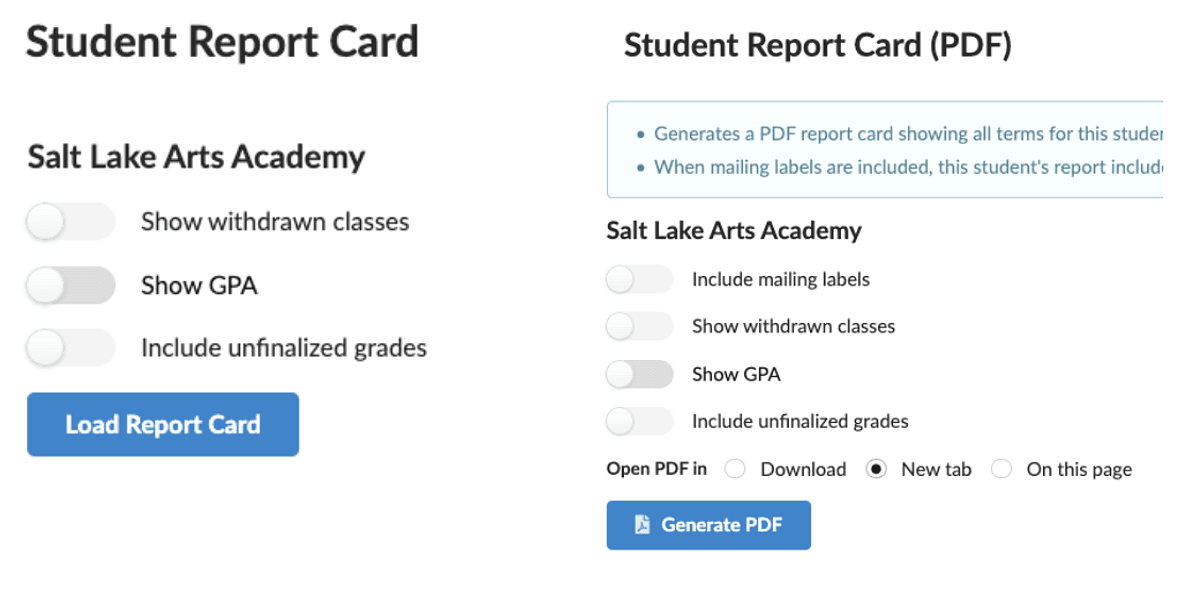
4. You will see your student’s report card, after it is finalized, displayed on screen or downloaded as a PDF.
